Silksong Controls Guide: Keyboard, Controller & Input Tips
A practical guide to checking the current keyboard and controller layout, remapping difficult actions, and testing movement, tools, and Needolin without relying on an outdated chart.
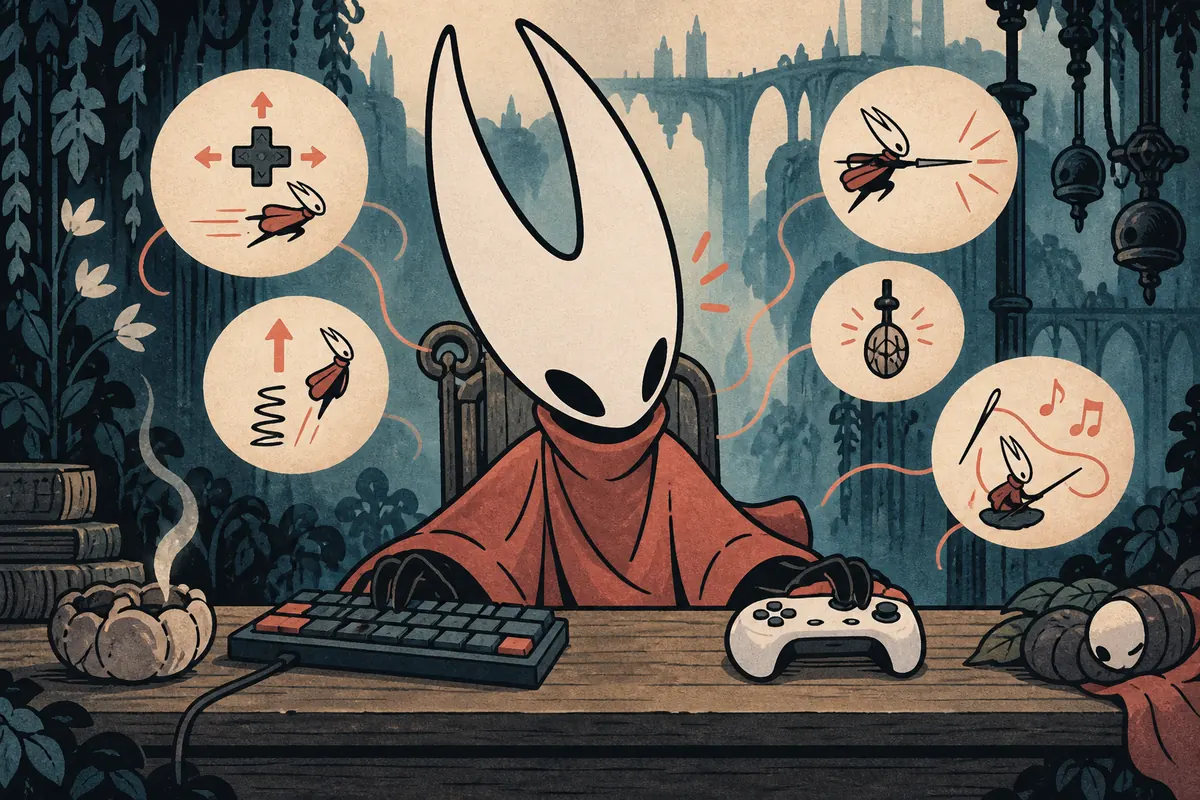
Version and platform note
First-party update material checked on September 14, 2026 references Patch 5, but bindings can change with a hotfix, platform, language, or prompt style. Treat the live game menu as the source. This is a controls guide, not a download page, and it does not claim that a Silksong Android APK is official.
On this page
What the Silksong controls menu tells you
Silksong controls are easier to understand as action groups than as a memorized key list. Identify movement, jump, attack, dash or evade, recovery, tool use, interaction, map, pause, and the Needolin action. Labels differ between keyboard, Xbox-style, PlayStation-style, and Nintendo-style prompts. If a guide gives one button without naming the platform, treat it as an example.
A good setup lets you move, turn, jump, attack, use a tool, and recover without excessive hand travel. Test actions in a low-pressure room and change one binding at a time. When a patch or controller changes, recheck the menu because a saved profile, Steam Input layer, console remap, or accessibility setting can alter the input the game receives.
The useful rule
Use published charts to understand the vocabulary; use your own in-game menu and a short practice test to confirm the actual Silksong controls.
Keyboard and controller basics
On keyboard, movement often uses WASD or the arrow keys, with jump, attack, dash, tool, and interaction nearby. Choose based on hand size, mouse use, and whether one action must be held while another is pressed. A screenshot from another region or PC profile may not match your defaults.
On controller, the left stick or D-pad handles movement and face buttons carry frequent actions. Shoulder buttons can reduce thumb travel for tools, dash, or a secondary action. Prompts may show letters, symbols, or colors. If a tool feels late, check whether it uses a tap, hold, or two-button input before changing the whole layout.
- Movement: Choose the direction input that gives you reliable wall jumps, short corrections, and fast turnarounds.
- Jump and attack: Keep these close to the movement hand because they are the pair you will test most often in combat.
- Dash or evade: Place it where you can reach it without releasing movement, especially if you react to bosses by feel.
- Tools: Separate tool selection from tool activation when the layout allows it, then practice the timing with a refill nearby.
- Needolin and interaction: Read the prompt instead of guessing; a musical or contextual action may not behave like an ordinary attack button.
Core Silksong controls by action group
Use this matrix to decide what to check first. It describes the job of each group, not a universal key assignment.
| Action group | What it changes | Where to test | Best starting point |
|---|---|---|---|
| Movement | Walk, turn, climb, and make small air corrections | Quiet platforming room | The input you can hold without strain |
| Jump / air action | Start a jump and control the next movement decision | Short ledge or practice route | A button reachable while moving |
| Attack | Start the needle attack and confirm facing rhythm | Safe enemy or training target | A low-travel, repeatable press |
| Tool | Use the equipped item and manage its timing or refill | Tool-friendly encounter | A distinct input you will not hit by accident |
| Needolin / interact | Answer contextual prompts or use the instrument action | A known interaction point | A clearly labeled prompt on your platform |
A key name in a community guide is not proof of your default. Confirm the action name, prompt, and whether the game reads a press or hold.
How to remap and test one action
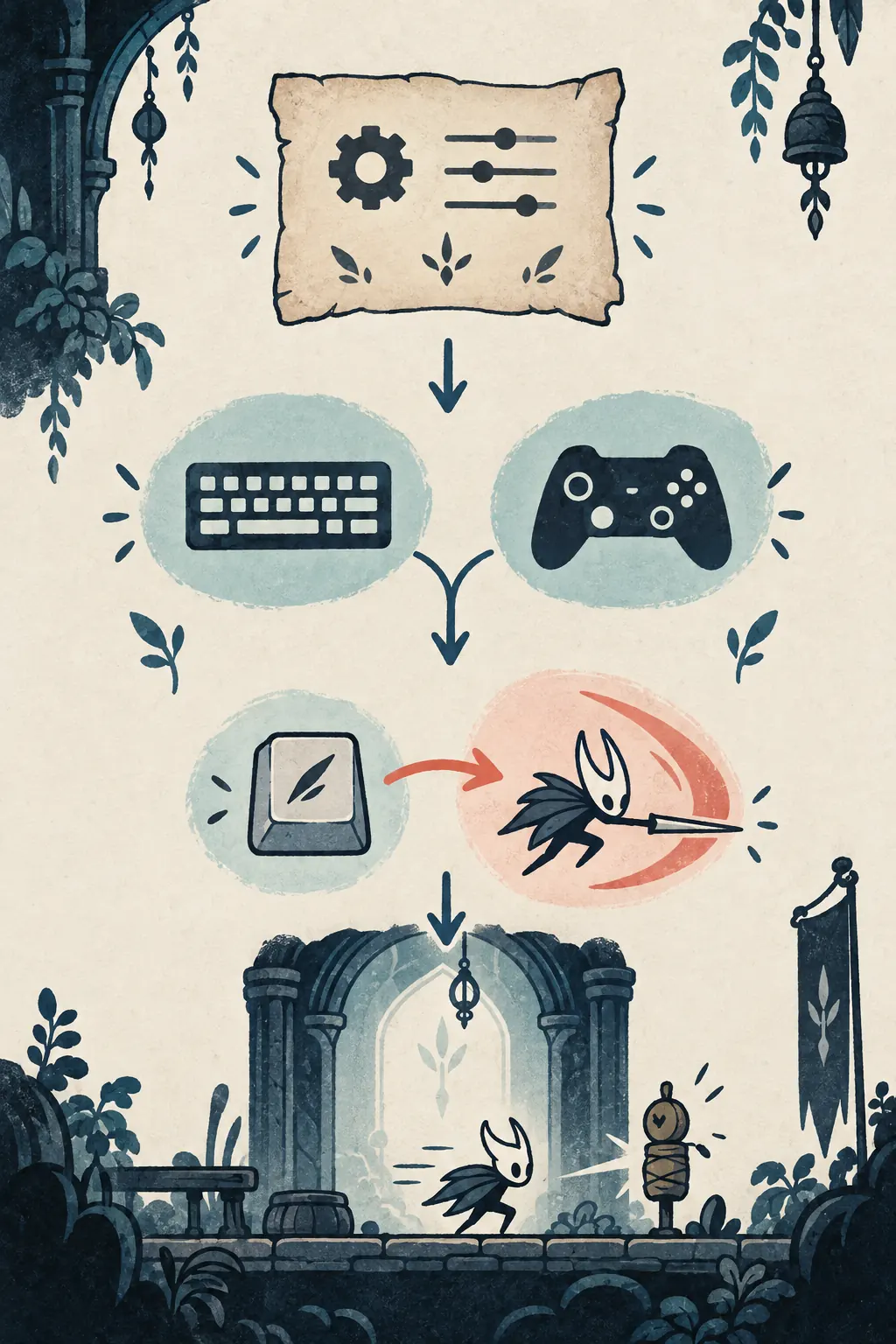
Remapping works best as a small experiment. If attack, jump, or tool use feels uncomfortable, record the current binding first. Assign one replacement in Settings, return to gameplay, and test the same short sequence three times. That separates a key problem from timing, Steam Input, or a controller connection issue.
- Record the default: Write down the current prompt and platform so you can undo the change without guessing.
- Change one action: Remap only the uncomfortable or conflicting input; changing five actions at once hides the cause.
- Test a simple route: Walk, jump, turn, attack, and use the relevant tool in a room with no boss pressure.
- Test a hold: If the action has a charge, focus, instrument, or contextual hold, check that release timing still works.
- Save and recheck: Leave the menu, reload the area if needed, and confirm the binding remains after restarting the game or input layer.
Layouts for exploration, combat, and tools
There is no single best controller layout. Exploration rewards a comfortable movement cluster and easy jump, while boss fights reward fast access to attack, dash, and recovery. Tool-heavy routes need the action close enough to reach, but distinct enough to prevent accidental resource use. Use the table as a starting point and adjust for your device and hand position.
| Play style | Priority | Support action | Why it helps |
|---|---|---|---|
| Exploration | Movement and jump | Map or interact | Keeps traversal readable while you learn new rooms. |
| Boss practice | Attack and evade | Focus or recovery | Reduces thumb travel during repeated reactions. |
| Tool route | Tool activation | Tool selection or refill check | Makes limited resources deliberate instead of accidental. |
| Keyboard comfort | Nearby movement cluster | Remapped modifier | Lets you adapt spacing without copying a stranger's profile. |
Platform differences and limits
Silksong controls may mean PC keyboard controls, a controller layout, a console prompt, or a Steam Deck setup. These are related but not identical. Steam Input, a desktop remapper, Bluetooth software, or a console accessibility profile may sit between the physical button and the game. Diagnose the changed layer before editing the in-game profile.
- Button labels: A, B, X, Y, Cross, Circle, and other labels can refer to the same position on different devices.
- Steam Deck: Check both the game layout and Steam Input, because an outer profile can override the in-game action.
- Keyboard language: Physical key locations and printed legends may differ, especially when the OS layout is not US QWERTY.
- Mobile claims: An unofficial Android port or mapper may invent a different touch layout; that does not establish an official Silksong control scheme.
Visual walkthrough
These editorial illustrations show the decision process, not real game screenshots or official UI. Keep the explanation in the text and verify the final prompt in-game.
Silksong controls troubleshooting
When an input fails, do not immediately download a mapper or copy a random profile. Check the detected device, whether another program captured the controller, and whether the action is bound twice. Test it in the menu and a quiet area. If one action fails, remap that action; if every action fails, investigate the connection, Steam Input, console profile, or operating-system layer.
- The prompt shows the wrong controller: reconnect the device, close competing remappers, and reopen the game settings.
- A button works in menus but not in play: check whether the action is a hold, contextual prompt, or mode-specific input.
- A tool activates twice: look for duplicate bindings, turbo settings, or a physical button that is sticking.
- Keyboard input feels delayed: test another USB port or window mode and compare a simple movement press with a combat press.
- Steam Deck input differs from PC: compare the active Steam Input layout with the in-game controls profile.
- A new patch changed behavior: restore the current default, record the patch date, and rebuild your remap one action at a time.
For platform and update context, check the official Silksong site and the current Steam listing.
Silksong Controls FAQ
Sources and update context
- Team Cherry official Silksong site
- Steam: Hollow Knight: Silksong store and update context
- Community controls references for cross-checking terminology
Checked September 14, 2026. Platform prompts and bindings can change, so the live in-game Controls menu remains the final authority.
Continue with related Silksong guides
Final takeaway
Treat Silksong controls as a testable setup, not a fixed internet chart. Confirm the current prompt, remap one uncomfortable action, and practice movement, combat, tools, and Needolin separately. That small routine gives you a reliable layout across keyboard, controller, PC, Steam Deck, and console profiles.