How to Taunt in Silksong: Switch, Controller, and PC Controls
The quick button answer, a controller and keyboard table, remapping steps, and practical fixes when the taunt input does not respond.
What this guide covers
How to taunt in Silksong
If you are searching for how to taunt in Silksong on Nintendo Switch, press the right stick inward while using a controller. Players often call this R3: tilting moves the stick, while a straight-down click presses it. On the default PC keyboard layout, the commonly listed taunt key is V.
The common mistake is moving the right stick instead of clicking it. Keep Hornet still and press until you feel the click. Pro Controller, Joy-Con grip, Xbox, PlayStation, and other XInput pads can feel different, but the action remains a right-stick click when the default mapping is unchanged.
If V or R3 does nothing, open Options or Controls and find Taunt. A changed layout, accessibility profile, controller layer, Steam Input preset, or remapper can move it to another button. Check the binding first, then test in a quiet room.
Practical takeaway
Use a deliberate right-stick click on controller, V on the default PC keyboard layout, and the Controls menu as the final authority when your layout has been changed.
Silksong taunt controls by platform
Use the table as a starting point, not as a replacement for the Controls screen. The binding can change through the game, Steam Input, console accessibility settings, or a custom profile.
| Platform or setup | Default input | What to check |
|---|---|---|
| Nintendo Switch | Click the right stick (R3) | Press the stick inward instead of tilting it. Test with the character standing on safe ground. |
| PC keyboard | V on the default layout | If V is already used by another action, inspect the Controls menu and the active keyboard profile. |
| Controller on PC | Click the right stick (R3) | Steam Input or another controller layer may replace the game's default mapping. |
| Remapped layout | The button shown beside Taunt | Read the visible binding, remove conflicts, save the profile, and test again before combat. |
Right-stick click, R3, and press the right analog stick describe the same physical action, although menus may use different labels.
What taunting is useful for
Taunting is a character and encounter action, not a replacement for attacking, healing, jumping, or dodging. It can confirm that a controller input is being read, but the animation takes attention away from movement. Use it when the room is safe rather than while a boss is starting an attack.
A taunt can attract attention, create a recording moment, or help test enemy behavior, but it is not a universal stun or defensive move. If an enemy is in range, keep distance and an escape route. On a handheld, this test also helps distinguish camera movement from a right-stick click.
Good reasons to test the taunt
- Confirm that the right-stick click is being detected on a handheld or wireless controller.
- Check a new Steam Input or console control profile before a longer session.
- Create a safe role-play, screenshot, or recording moment without confusing the action with an attack.
- Test whether nearby enemies react when you have enough space to retreat.
How to check or remap the taunt control
When the default button fails, begin inside Silksong. Open Options, select Controls, and find Taunt. If the entry is blank, restore the default layout or assign a button that is comfortable to reach without releasing movement or jump.
On PC, check the input layer that launches the game. Steam Input can apply a community or personal profile over the game's settings, so a controller may work in menus but send a different signal in gameplay. Temporarily choose a simple gamepad layout and test again.
On Switch or another console, check system-level remapping and accessibility settings if the in-game binding looks correct. Make the action beside Taunt reachable and unique, save the profile, and test in a low-risk area.
- Pause in a safe area and open Options or Controls.
- Find Taunt and write down the button shown for the active profile.
- Remove any duplicate binding or conflicting controller layer.
- Save the profile, return to play, and press the input once rather than holding it.
- If it still fails, test another controller or the default profile before changing more settings.
Why the Silksong taunt may not work
If the character only turns or aims when you press the right stick, you are probably tilting it instead of clicking it. Use the center and press straight down. In handheld mode, check that a case or grip is not blocking the stick.
If the action works in menus but not in a live room, leave dialogue, cutscenes, pauses, or other input locks, then test in an open area.
If the problem follows one controller across games, inspect hardware, Bluetooth, calibration, and the button-test screen. If only Silksong is affected, compare the game binding with Steam Input or the console profile.
Fast troubleshooting checklist
- Click the right stick instead of tilting it.
- Check the active Taunt binding in the Controls menu.
- Disable or simplify Steam Input and community controller layouts temporarily.
- Test outside dialogue, cutscenes, menus, and active damage states.
- Try a second controller or a keyboard input to separate software from hardware.
- Restart the game after changing a profile if the new binding is not detected.
- Keep unknown remappers and unofficial downloads out of the troubleshooting path.
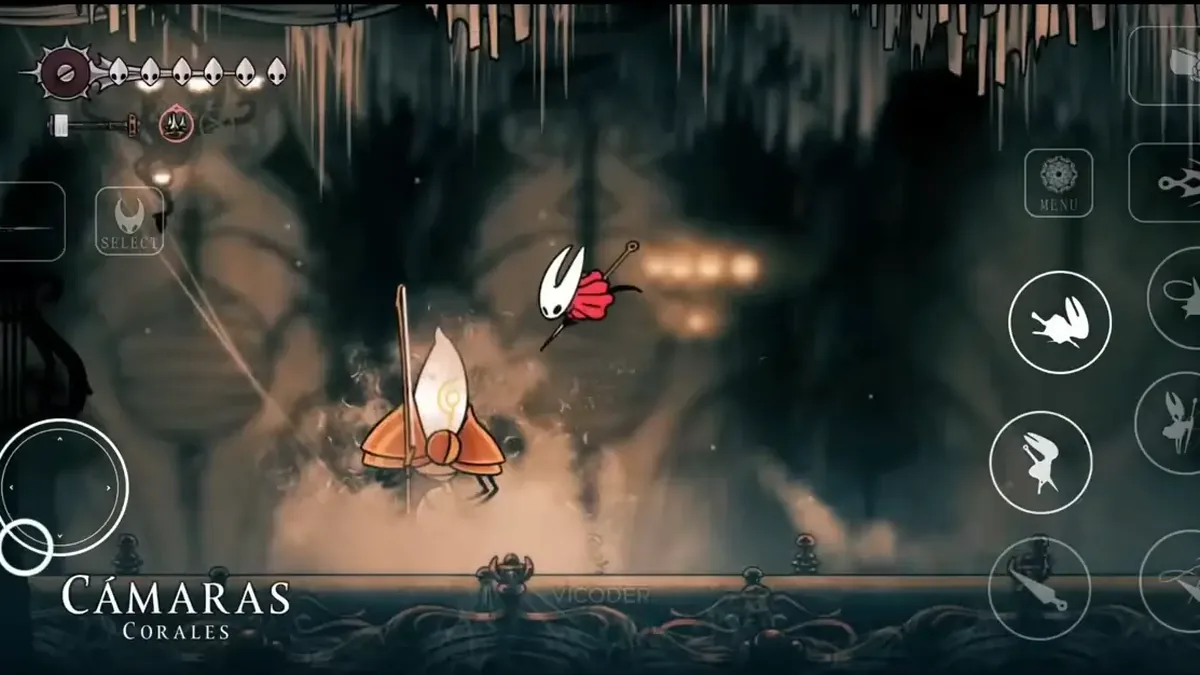
A taunt guide is not an Android APK guide
Search results can mix Silksong taunt with APK, mobile-port, or download pages. Those are different questions. This guide explains an input inside a legitimate game installation; a random Android package does not prove an official release or matching controls.
If a PC or console copy is streamed to another screen, the button belongs to the host game's control profile. Check the remote-play overlay and host settings rather than installing a file advertised as a mobile fix.
Safety warning
Do not use a random APK or mod installer to restore a controller action. Verify the game route and control profile separately.
A simple practice routine for Switch and PC
Start in a quiet area with a full view of the character. Press the right stick once and watch for the animation; do not hold or rotate it. On keyboard, tap V once. If the action appears, the input path is working.
Walk a short distance, stop, and repeat the input in a safe direction. After changing a binding, test again after saving and restarting so you know which profile is active.
Near—but not inside—an encounter, keep a retreat route open and observe whether enemies notice you. The goal is to learn timing, not turn taunting into a combat shortcut.
FAQ: Silksong taunt controls
Controls references
- Game8: How to Taunt — Secondary how-to reference for PC and controller input.
- Hollow Knight Wiki: Silksong Controls — Controls reference for action names and remapping.
- Steam Community discussion — Community context for R3 wording and taunt use.
- Reddit controller discussion — Secondary community context for controller troubleshooting.
Related Silksong guides
Final answer
For most controller players, how to taunt in Silksong has a short answer: click the right stick, or R3. PC players can try V on the default keyboard layout. When that fails, trust the active Controls menu, check remapping layers, test safely, and keep APK downloads out of a basic input troubleshooting problem.