Is Silksong on Mobile? Android/iOS Status + 3 Safe Ways to Play in 2026
A clear guide to Hollow Knight: Silksong on Android, iOS, APK files, mobile ports, GitHub projects, web ports, and the safest ways to play from a phone.
What this guide covers
Is Hollow Knight: Silksong officially on mobile?
Searches for hollow knight silksong mobile, silksong android port and silksong ios port download all point to the same problem: players want the game on a phone, but mobile availability is not the same thing as a native Android APK or iOS app.
As of May 2026, the safest interpretation is to treat the official game as a PC and console title first. The official Silksong site and major store pages focus on desktop and console ecosystems such as Steam, GOG, Humble, Nintendo, Xbox and PlayStation. A native Google Play or Apple App Store listing is not the main official route users should rely on.
That does not mean a phone can never be used. It means you should separate three ideas: official ownership, remote mobile play, and unofficial mobile ports. Mixing them together is how users end up downloading risky APK files or fake iOS installers.
Practical takeaway
If your goal is safety, buy or install Silksong from an official PC or console store first. If your goal is mobile convenience, use remote play or streaming to bring that official copy to Android or iOS.
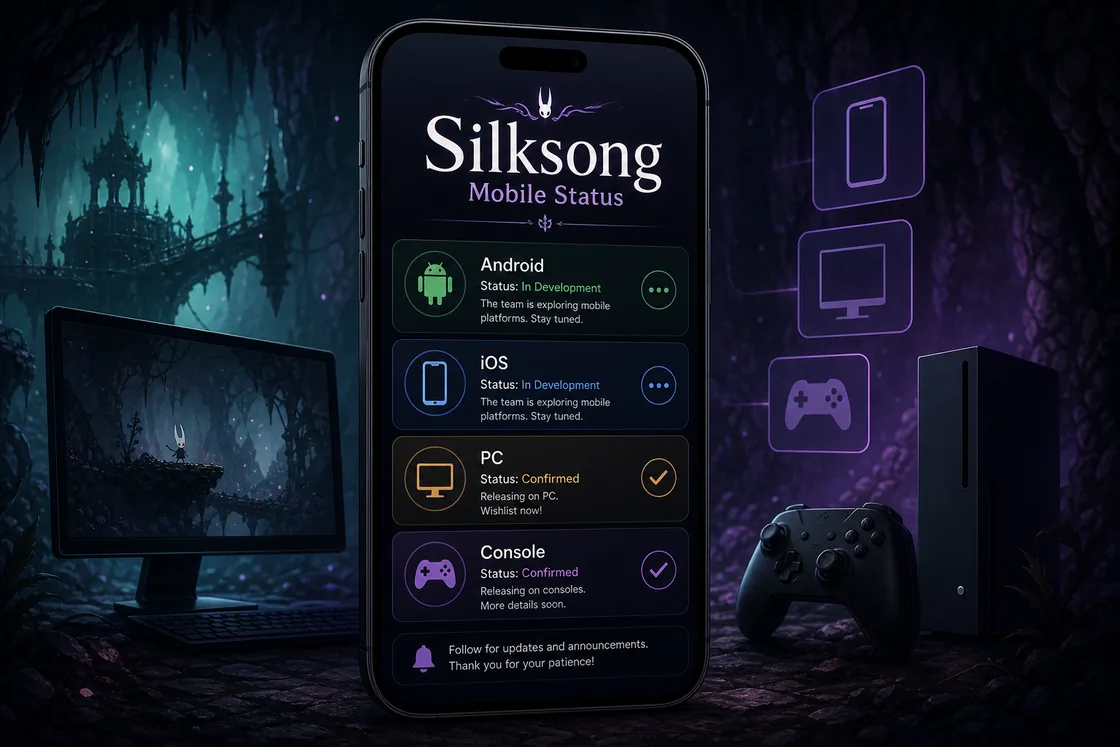
Silksong platform status: Android, iOS, PC and console
Use this table to decide which path matches your device. The key question is not just whether the game can appear on a phone screen, but whether the source is official, maintainable and safe.
| Platform | Status | Best action |
|---|---|---|
| Windows PC | Official store route through PC storefronts | Use Steam, GOG, Humble or another official listing, then optionally stream to a phone. |
| Nintendo Switch / Switch 2 | Official console route | Use the Nintendo eShop and play on supported Nintendo hardware. |
| Xbox | Official console ecosystem | Use the Xbox store or Game Pass availability where supported. |
| PlayStation | Official console ecosystem | Use the PlayStation Store and the console's remote play features if needed. |
| Android | Mobile searches exist, but users should verify native APK claims carefully | Prefer Steam Link, Moonlight, Xbox remote play or PlayStation Remote Play over random APK files. |
| iOS / iPadOS | No normal sideloaded APK path; IPA claims need extra caution | Prefer official remote play apps and avoid sites promising unsigned iOS downloads. |
| Web port | Usually unofficial and limited | Treat web ports as fan experiments unless clearly backed by the rights holder. |
For current official store links, start from the official Hollow Knight: Silksong website instead of a random APK mirror official Silksong website.
You can also verify the PC listing, developer and release details on the official Steam store page before trusting third-party mobile claims Hollow Knight: Silksong on Steam.
How to play Silksong on Android safely
Android gives users more flexibility than iOS, but that flexibility also creates more fake download pages. A page ranking for silksong android port or hollow knight silksong apk android is not automatically proof that the file is official, current or safe.
The safest Android setup is usually remote play. You run the official copy on a PC or console, then use your phone as the display and controller surface. This keeps the game source legitimate while still giving you a mobile experience.
- Steam Link: Best if you own the game on Steam and have a PC on the same network. Pair a Bluetooth controller for better movement and combat timing.
- Moonlight or Sunshine streaming: Best for users comfortable with PC streaming configuration. It can offer low-latency local streaming when the host machine is configured correctly.
- Console remote play: Best if your copy lives on Xbox or PlayStation. Use the platform's official remote play app and keep your console on a stable network.
For PC users, Steam Remote Play is the most direct official reference point for streaming a PC game to another screen Steam Remote Play.
Can you download Silksong on iPhone or iPad?
For iPhone and iPad users, the safe answer is even stricter: do not treat silksong ios port download pages as a normal installation path. iOS apps should come from the App Store, TestFlight or another Apple-supported distribution route. A random IPA download page is a higher-risk signal.
If you want to play on an iPhone screen, use remote play. Steam Link, PlayStation Remote Play and Xbox cloud or remote play features are more realistic than hunting for a direct iOS port. A controller is strongly recommended because Silksong's movement and combat depend on precise inputs.
If your copy is on PlayStation, check Sony's Remote Play documentation rather than downloading unofficial iOS installers PlayStation Remote Play.
APK and mobile port safety checklist
Not every APK page is malicious, but Silksong is a high-demand game name, which makes it a common target for misleading download pages. Before installing any Hollow Knight Silksong APK or mobile port, check the source, the file behavior and the claims being made.
Be especially careful with pages that promise unlimited mods, paid content for free, unrealistic version numbers or a tiny file size for a large premium game. Those are common mismatch signals.
Before installing any Silksong APK, check these points:
- Does the page identify the developer, publisher and source of the file clearly?
- Does the version number match a known official release or does it look invented?
- Does the file size make sense for the game and assets being claimed?
- Does installation ask for unrelated permissions such as SMS, contacts, call logs or accessibility access?
- Can you verify the same build from more than one reputable source?
- Is the download framed as a fan port, a launcher, a guide app or the full game? Those are very different things.
What about GitHub Android ports and web ports?
Searches such as hollow knight silksong android port github and silksong web port usually come from technical users who want an open-source or browser-based solution. These projects can be interesting, but they need careful interpretation.
A GitHub repository can host a launcher, control mapper, compatibility wrapper, proof of concept or unrelated fan project. That is not the same as an authorized mobile release. Look for source transparency, build instructions, issue history, license clarity and whether the project distributes copyrighted game assets.
Web ports deserve the same caution. A browser demo can be harmless, but a page that claims to run the full commercial game without official distribution should be treated skeptically.
Safety warning
Do not enter store credentials, payment details or device admin permissions into a site that claims to be a Silksong web port or mobile unlocker.
Best recommendation for mobile players
For most players, the best mobile path is simple: use an official PC or console copy, then stream it to Android or iOS. That gives you the mobile screen experience without depending on unknown APKs, suspicious iOS installers or incomplete fan ports.
If you are specifically researching Silksong APK files, keep that search separate from official platform status. APK pages can explain installation, device compatibility and Android risks, but they should not replace official store verification.
For the cleanest experience, pair a Bluetooth controller, use 5 GHz Wi-Fi or wired Ethernet on the host device, and keep expectations realistic. Remote play quality depends more on your network than on your phone's raw performance.
When to re-check this page
Re-check the official Silksong site, Steam page and console store pages when a new patch, platform announcement or store listing appears. Mobile availability is a time-sensitive topic, so the safest answer can change only when an official store or developer source changes.
FAQ: Silksong mobile, Android ports and APK downloads
Final verdict
Silksong mobile interest is real, but the safest answer is not to chase every APK or port claim. Verify official platforms first, then use remote play if you want Android or iOS convenience.